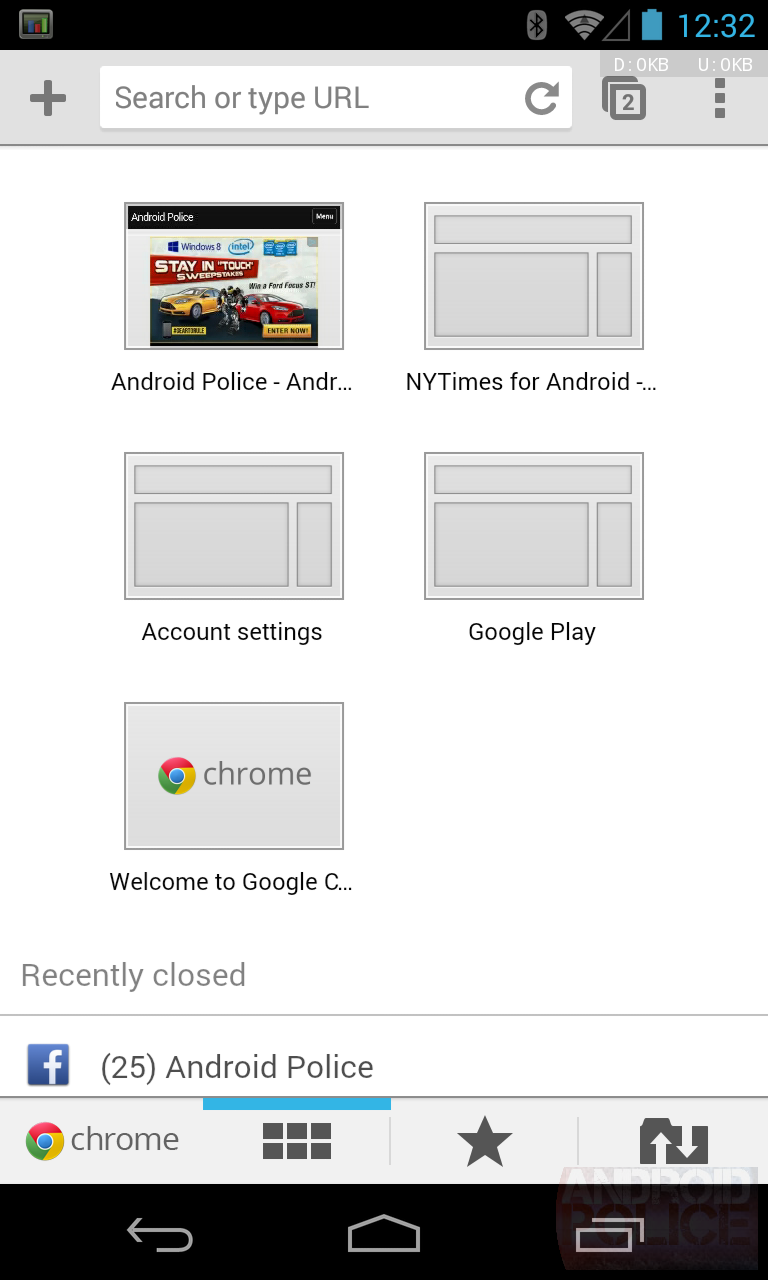
Do you need all those tabs?

Multiple tabs can be helpful handling multiple things at once or using multiple in relevance to one thing such as research but is can also become excessive. the more tabs that are open the slower that your device will become as it is handling so much data traffic.

a way to counter this would be.

if on desktop- click the x on the unwanted tabs.

if on phone- select the tab section then click x on the unwanted tabs.

tabsImage result for android browser tab

Connection issues

If you see that the web page is not loading because of network issues then firstly check if your router is turned on:

Then check if there is internet access.

Then if the device is connected to the right router.

If it all are checked and ready to go try resetting your router and wait for 30 seconds

then if it persists to not allow internet access contact your ISP (internet service provider)

Image result for no internet connection

Using pop- up blockers

Pop up blockers work in the background when surfing the internet and what this essentially does is detects pop up windows such as ads and unwanted information and closes them instantly allowing the user to roam freely without disruptions.

you can also always disable pop-up blocker if it disrupts anything if needed.

Image result for pop up blockers

Making sure cookies are enabled

Cookies are essential for most web pages to be able to function properly while remaining hidden and often forgot about.

there are two types of cookies.

first party cookies- These are created by the sites you visit and shown in the address bar.

third party cookies- These are cookies created by other sites where there content is featured such as ads or images.

in your browser you should be able to:

press settings

press advanced

press content settings

press cookies and enable them.

Image result for digital cookies